COVID-19 Related DEI 626 Course Changes 18/3/2020
Changes to Final Assignments
You will still submit all of your final assignments in your team's dropbox by the due dates. The dates have shifted a little but most of the final assignments are the same with the exception of the presentation now being on video and not in-person.
Design Journey Document
DUE: April 6, 2020 at 11:59pm EST10% of final grade
Please submit a document to your Learn dropbox detailing your team’s design journey with user flows, sketches, photo documentation of the prototype and notes describing your journey from an idea to the final product.
I will assess the design journey document following three criteria from your Learn rubric:
- Content. The wealth of different materials provided in the documentation.
- Depth. The logical argumentation for design choices (based on user data or other factors).
- Presentation. The visual presentation of the design journey and how well it follow visual design elements and principles.
Learn has a rubric attached to the Learn dropbox that is worth checking before submission.
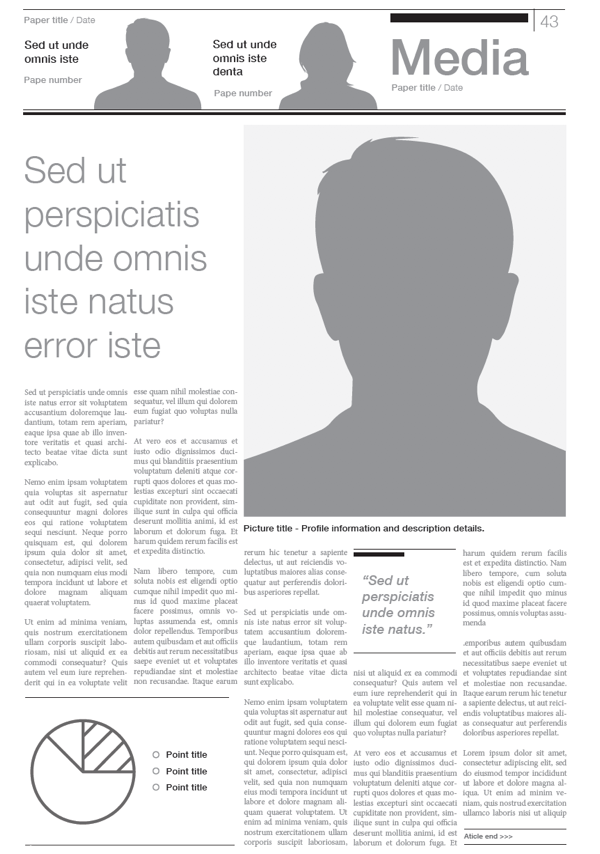
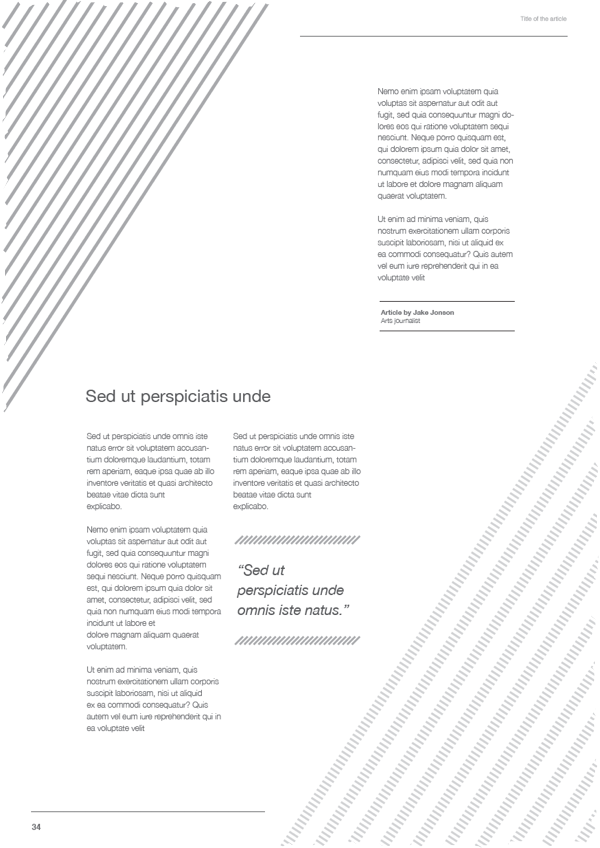
Examples of Design Journeys Presented in Previous Years
You can see that many design journeys feature initial observations that lead to identifying users' pain points. The final prototype eventually addresses all the pain points gathered during the user research process.
Prototype
DUE: April 9, 2020 at 8pm EST10% of final grade
Please submit a digital prototype file (and link if you are using a web tool) to your Learn dropbox. I am expecting a medium to high fidelity prototype of the system that you have developed (this must be a digital prototype of a product or a system but not a service).
I will assess the digital prototype following three criteria from your Learn rubric:
- Depth of Interactive Content. This is concerned with how deep and functional your prototype is in its interactive complexity.
- Visual Appeal. The visual presentation of your prototype and how well it follows visual design elements and principles.
- User Flow. The smoothness and intuitiveness of the user flow.
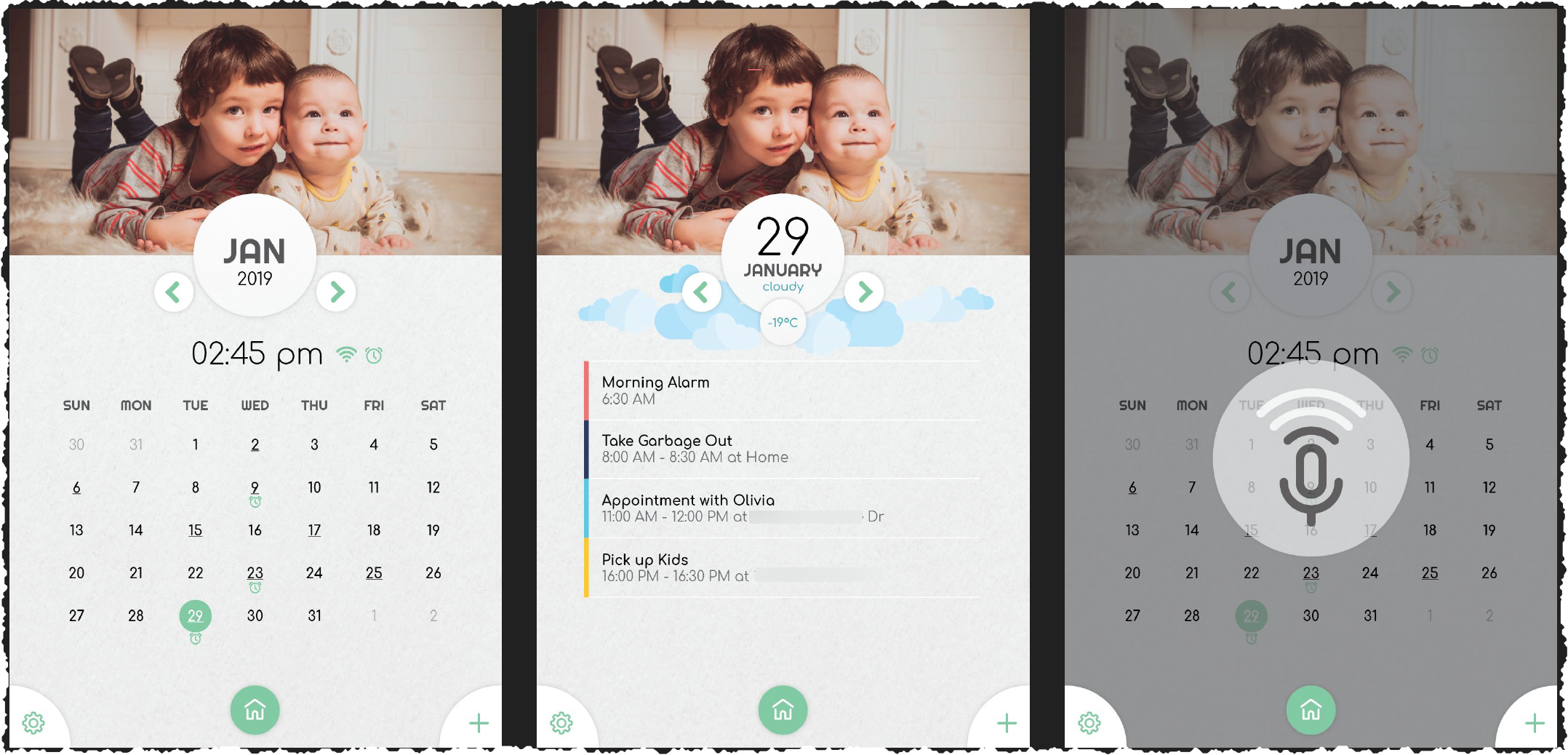
Example of a Prototype from Last Year
Learn has a rubric attached to the Learn dropbox that is worth checking before submission. You are building a digital prototype for your product, so it will be important to have functionality present that can be demonstrated online to me.
Useful Prototyping Tools
Make sure to take your pick from any of these based on your preferences. In the past, students have preferred working with either InVision or Figma.
- InVision (the most commonly used prototyping tool for MDEI students, good learning curve), very powerful together with Sketch (on Mac only)
- Axure (for education), very complex and powerful prototyping tool
- Balsamiq (wireframes)
- Adobe's Creative Cloud offers lots of tools helpful for prototyping, most relevant is probably Adobe XD.
- Marvel (pretty close to InVision in functionality, good learning curve), definitely useful: Prototyping on Paper (POP)
- Figma is free and great for collaboration and works on any OS.
- UX Pin is not free but works similarly to Figma.
- Framer X
- Webflow (turns prototypes directly into code)
- FluidUI (not free)
- Proto.io (not free)
- MockPlus (not free)
- Justinmind (offers a free version)
- Principle (expensive but probably worth the money if you are a professional)
- Origami Studio (Similar to Principle but free)
- Overflow (Mac) for building user flows
Icons
Final Video Presentation
DUE: April 9, 2020 at 8pm EST15% of final grade
Please submit a digital video presentation using Loom (free for students, this is my preferred option for you, given that it is free for you and extremely easy to use). If you prefer other screen recording software, please upload the screen-captured presentation video to either YouTube (upload the video as 'unlisted') or Vimeo or if your file is small, you can try directly uploading to Learn dropbox.
Every person in the team should record the 2-3 minutes of their part in the presentation. The presentation should be prepared together but everyone is expected to video present a part of the overall presentation. It if preferred that you use your webcam in addition to the screencast, but if you do not have the technology, you can just record your screen and microphone.
I will assess the digital prototype following four criteria from your Learn rubric:
- Clarity of the content and product/solution described
- Organization: Materials organized appropriately for team
- Slide Design and Presentation Aesthetics
- Video Presentation Skills
Video Recording Software
Any of the following software is fine for video recording your final presentation.
- Loom screen recording
- TechSmith SnagIt screen recording
- Streamlabs OBS (Windows only) and the original Open Broadcaster Software video composition/streaming
UX Report with Findings
For your UX report, there is no specific format, but it should include a written summary of your findings, personas, and scenarios. If possible also: task analysis, diagrams or experience models.
DUE: April 9, 2020 at 8pm EST15% of final grade
I will assess the digital prototype following four criteria from your Learn rubric:
- Content
- Organization
- Grammar, Spelling, Writing Mechanics
- Writing Style
- Visual Appeal
- Methods
Tools to Improve your Writing
Learn has a rubric attached to the Learn dropbox that is worth checking before submission.
Ways to Stay Connected and Work Remotely and Collaboratively
- Discord video/voice/chat/streaming
- Microsoft Teams at UWaterloo remote collaboration
- Slack remote collaboration
- Dropbox filesharing
- Box filesharing
- Miro collaborative whiteboard
- Office 365 and OneDrive at UWaterloo filesharing/office
- Tandem virtual office
- RemoteHQ virtual office
- WebEx video calls
- Zoom video calls
- Loom screen recording
- TechSmith SnagIt screen recording
- Streamlabs OBS (Windows only) and the original Open Broadcaster Software video composition/streaming
| Week | Date | Topic | Additional Materials |
|---|---|---|---|
| 1 | Jan 9 | What is UX Research and Design? |
|
| 2 | Jan 16 | UX Research Planning and Competitive Research | |
| 3 | Jan 23 | UX Strategy: User Needs, Market Segments/Personas and Business Objectives | |
| 4 | Jan 30 | UX Scope: Functional Specifications and Content Requirements and Strategy | |
| 5 | Feb 6 | UX Evaluation: Recruiting and Interviewing, Surveys, Diary Studies | |
| 6 | Feb 13 | UX Evaluation: Usability tests, Focus Groups, Field Studies, Heuristics | |
| 7 | Feb 27 | UX Analysis: Qualitative and Quantitative Data | |
| 8 | Mar 5 | UX Structure: Information Architecture, Card Sorting, Interaction Design Basics | |
| 9 | Mar 12 | UX Skeleton: Wireframing and Prototyping |
|
| 10 | Mar 26 |
UX Surface: Visual Design |
|
| 11 | Apr 2 |
Communicating UX Findings | |
| Apr 6 |
Design Journey Document Submission | ||
| Apr 9 |
Prototype, Final Video Presentation, and UX Report with Findings Submission |